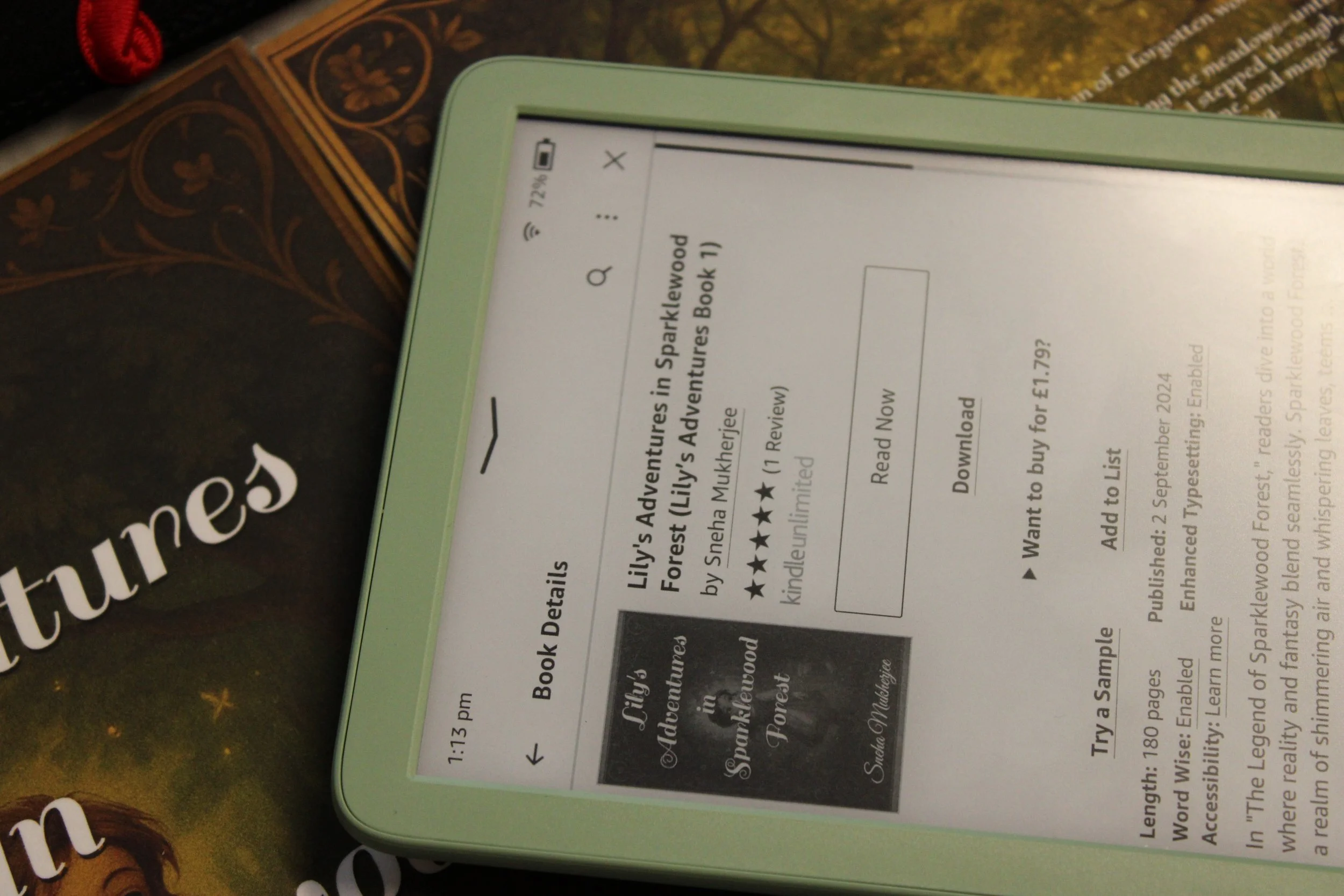
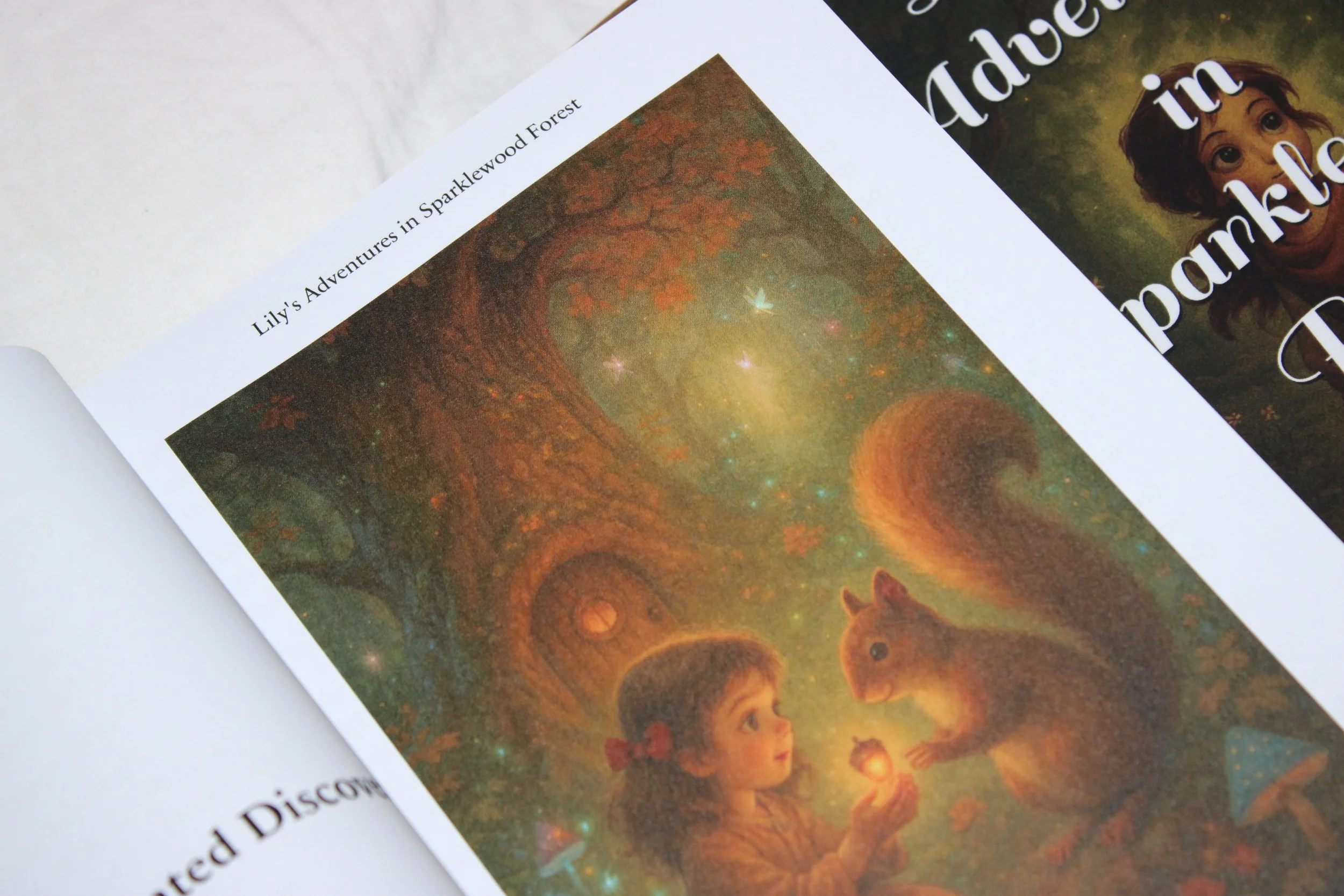
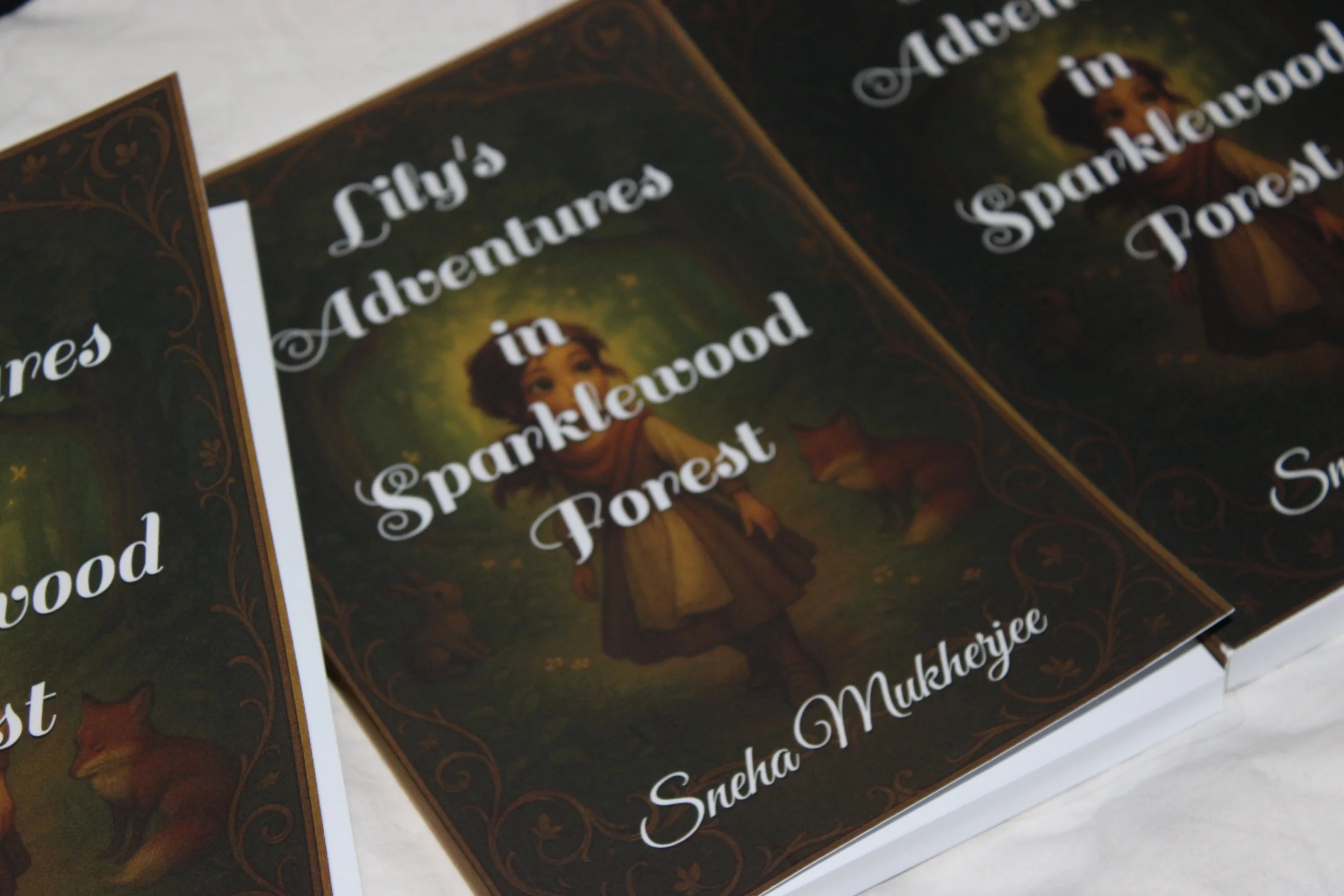
A Gentle Story of Bravery, Friendship, and Wonder
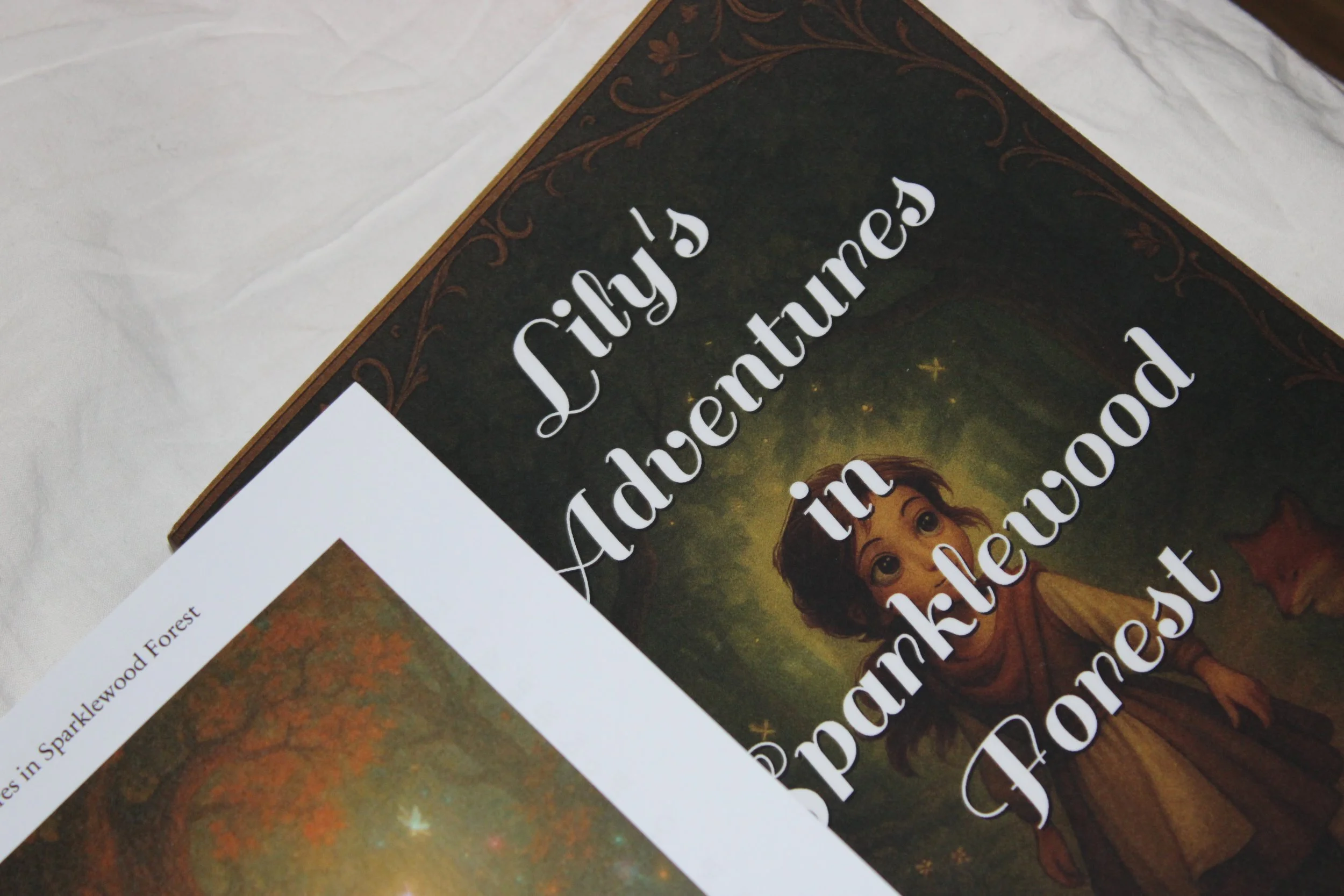
A story about courage, friendship, and finding your way — even when the forest feels big and unknown.
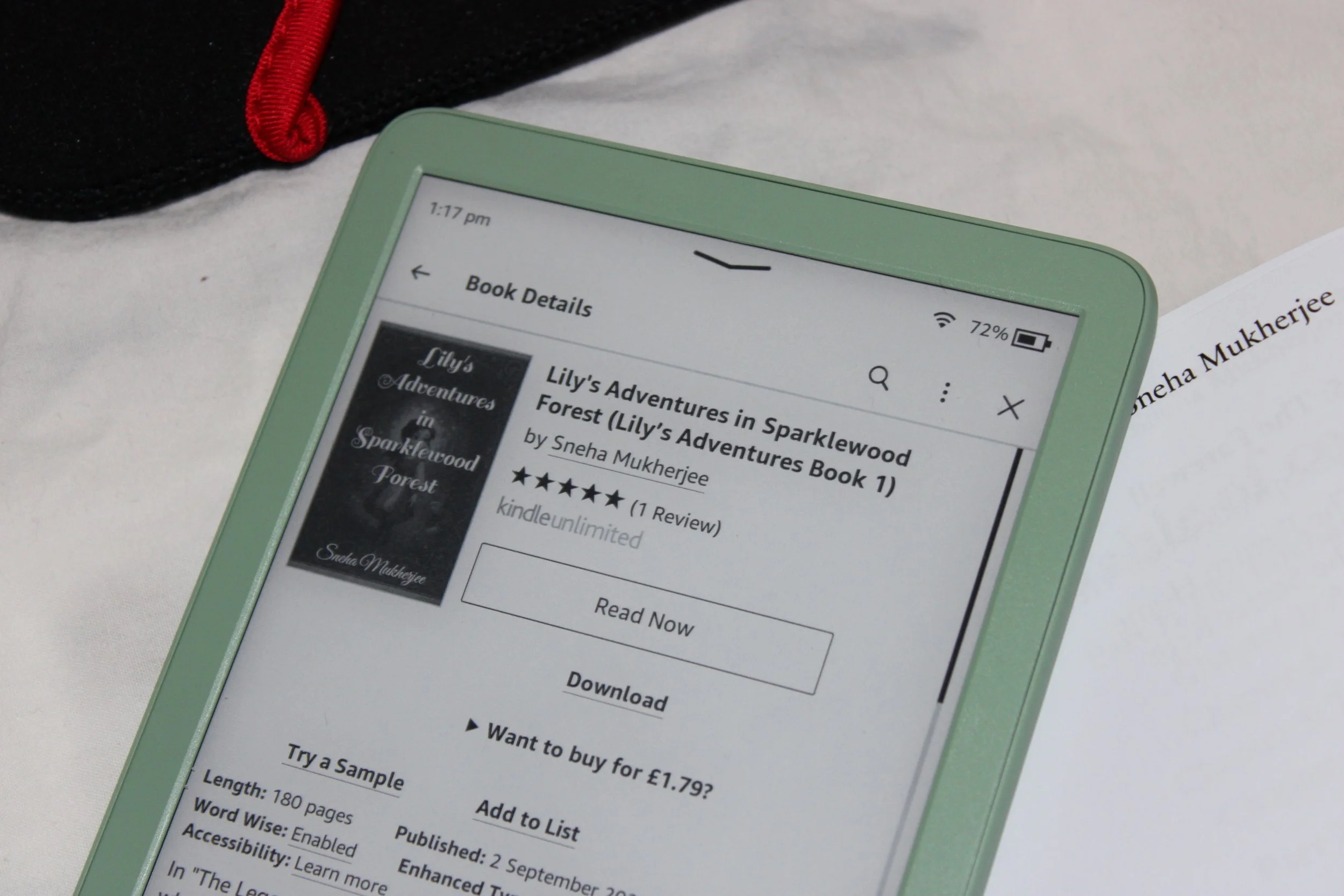
Lily’s Adventures in Sparklewood Forest
How to Buy Lily’s Adventures in Sparklewood Forest on Kindle
You can purchase and read Lily’s Adventures in Sparklewood Forest on Amazon Kindle, even if you don’t own a Kindle device. Follow the steps below.
Step 1: Go to Amazon
Visit www.amazon.co.uk (or your local Amazon site)
Sign in to your Amazon account
(If you don’t have one, select “Create account” and follow the steps)
Step 2: Search for the Book
In the Amazon search bar, type:
Lily’s Adventures in Sparklewood Forest
If the book doesn’t appear straight away, try searching by the author’s name instead:
Sneha Mukherjee
This will bring up the book from the author listing.
Step 3: Select the Book
Click on Lily’s Adventures in Sparklewood Forest from the search results
Check that the author name shows as Sneha Mukherjee
Step 4: Choose the Kindle Edition
On the book’s page, make sure Kindle Edition is selected
You will see the Kindle price displayed
You do not need a physical Kindle device to buy the Kindle edition.
Step 5: Click “Buy Now with 1-Click”
Click Buy Now with 1-Click
The book will be instantly added to your Kindle library
Step 6: Choose How You Want to Read
You can read your Kindle book in several ways:
Option A: Phone or Tablet (Free Kindle App)
Download the Kindle app from:
Google Play Store (Android)
Apple App Store (iPhone/iPad)
Sign in using your Amazon account
Your book will appear automatically in your library
Option B: Kindle Device
Turn on your Kindle and connect to Wi-Fi
The book will sync automatically to your library
Option C: Computer or Laptop
Visit read.amazon.co.uk
Sign in to your Amazon account
Click the book to start reading in your browser
Step 7: Start Reading
Open the book from your Kindle library
Enjoy Lily’s magical journey through Sparklewood Forest